Short videos get your products discovered. LIVE Shopping is where you can close the sale while people are watching. A good TikTok Shop live stream feels like a mix of a product demo, a Q&A, and a limited-time event, and when it is planned well, it can become one of your most reliable sales channels.
The problem is that most first streams are unplanned. The host goes live, talks to an empty room, forgets to pin products, and ends after twenty minutes convinced LIVE does not work. This guide gives you a repeatable process: what to set up, how to structure a stream, how to host, and what to review afterwards.
What TikTok Shop LIVE Selling Is
LIVE Shopping lets eligible sellers and creators stream live on TikTok with products from their shop attached. Viewers can open a product list, see a pinned product on screen, and buy without leaving the stream. Brands can go live on their own accounts, and affiliate creators can also go live to sell your products in exchange for commission.
Eligibility requirements, such as account standing and follower thresholds for some features, can vary by market and change over time. Check the current LIVE requirements in Seller Center or TikTok's creator tools before you plan your first stream.
LIVE vs Short Video: How They Compare
| Factor | LIVE Shopping | Short Shoppable Video |
|---|---|---|
| Main strength | Real-time demos, questions answered, urgency | Reach and discovery at scale |
| Time commitment | High per session, often one to several hours | Lower per piece, but needs volume |
| Shelf life | Mostly while you are live | Can keep selling for weeks if it performs |
| Best products | Items that benefit from explanation, comparison, or bundles | Items with an instant visual hook |
| Skill required | Confident, energetic hosting | Strong hooks and tight editing |
| Works best with | A regular schedule and stream-only offers | Consistent posting and creator content |
The two work best together. Short videos build an audience that shows up to your streams, and clips from your streams can become new short videos.
Before You Go Live: Setup Checklist
- Products ready in Seller Center. Listings approved, stock levels accurate, and variants clearly named.
- Offers configured in advance. Any LIVE-only discounts, flash deals, or bundles set up before the stream, not during it.
- Stable internet and power. A wired connection or strong Wi-Fi, a fully charged phone or a reliable streaming setup, and a backup plan.
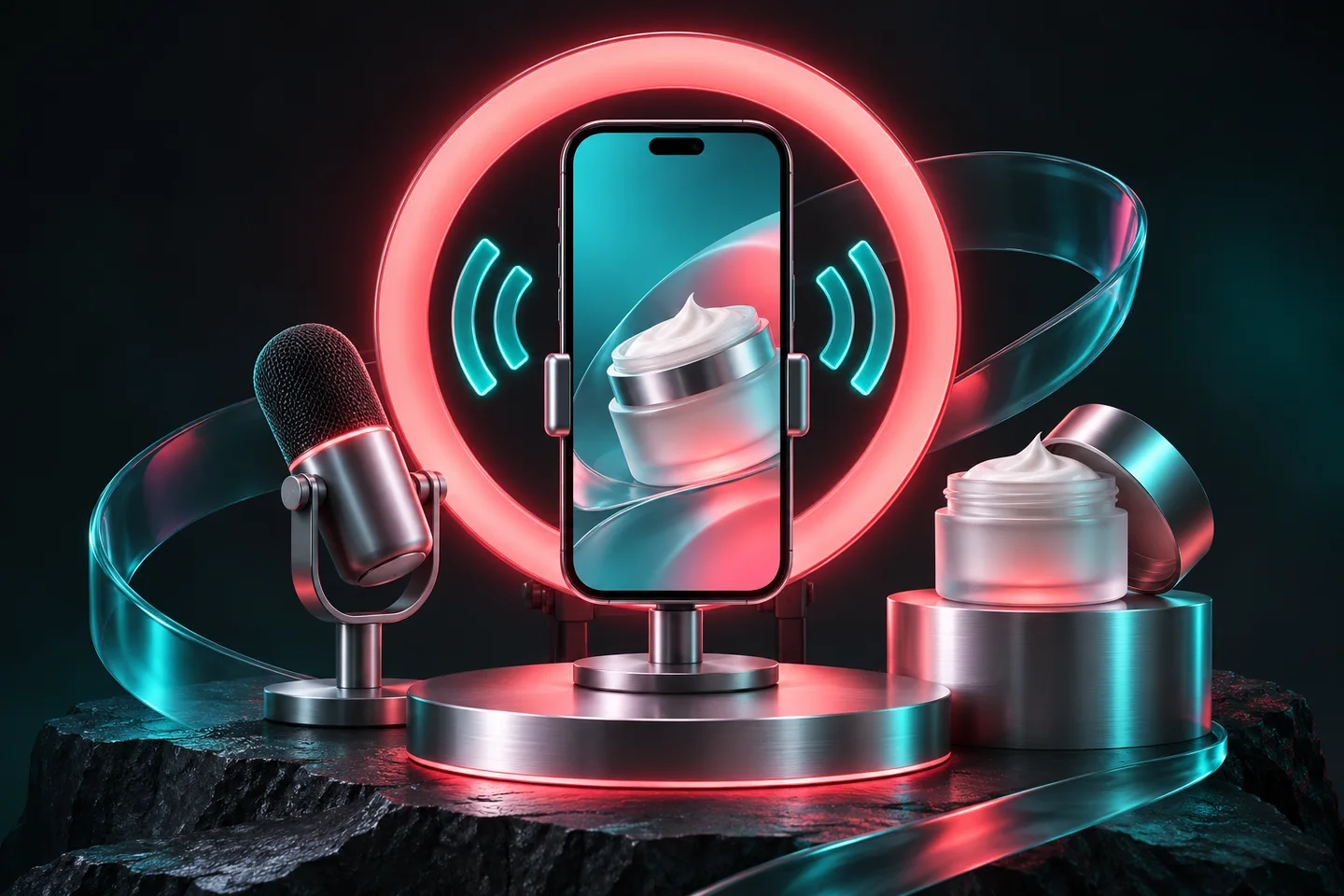
- Good light and clean sound. A simple ring light or soft window light and a clip-on mic make a real difference.
- A clear set. Products within reach, arranged in the order you will present them.
- A second person if possible. A moderator to pin products, answer comments, and watch for problems lets the host focus on selling.
A Run-of-Show Template for a One-Hour Stream
A run of show is simply a planned sequence. It keeps the stream moving and ensures every product gets proper attention. Adapt this structure to your own products.
- Warm welcome (first few minutes). Greet viewers by name as they join, say what the stream is about, and tease the offer coming later.
- Hero product demo. Pin your best-selling or most visual product and demonstrate it properly. Show it in use, up close, and explain who it is for.
- Answer questions live. Read comments aloud and answer them. Questions are buying signals, and answering one often answers it for many silent viewers.
- Introduce the offer. Explain the LIVE-only deal clearly: what it is, how long it lasts, and how to buy. Keep it honest; do not invent false scarcity.
- Second and third products. Move to complementary items. Bundles and "complete the set" offers work well here.
- Recap for new arrivals. Every ten to fifteen minutes, briefly restate what you are selling and the current offer, because viewers join and leave constantly.
- Social proof segment. Share genuine reviews or customer questions you have received, and show the product in different use cases.
- Final call and close. Remind viewers of the offer one last time, thank them, and tell them when you will be live next.
Hosting Tips That Make Viewers Stay
Talk to the camera, not at it
Speak as if you are talking to one friend. Use viewers' names, respond to reactions, and avoid reading from a script word for word. Have bullet notes instead.
Never let the screen go quiet
Silence and dead air push people away. If comments slow down, demonstrate something, ask a simple question, or show a close-up detail.
Show, then tell
Demonstrate first, explain second. Pour, stretch, apply, fold, compare, or test the product on camera. Physical proof is more persuasive than any description.
Keep claims accurate
Live streams are subject to TikTok's content and commerce policies. Avoid exaggerated or unsupported claims, especially for beauty, health, and wellness products. Violations can affect your account health. If you sell in these categories, our beauty seller page covers common compliance pitfalls.
Getting People Into Your Stream
A stream with no viewers is hard to sell from, so promote it before you start:
- Post short videos in the days before the stream that mention the time and the offer.
- Go live at a consistent day and time so regular viewers know when to come back.
- Invite affiliate creators who already promote your products to go live with them too.
- Consider paid promotion for LIVE where it makes sense for your budget. TikTok's ad tools, including GMV Max, can support LIVE in some setups; see our GMV Max guide for how campaign options work.
Planning LIVE Offers That Protect Your Margin
Offers give viewers a reason to buy now rather than later, but they are also where many streams quietly lose money. Before every stream, work out what each offer costs you per order after the referral fee, payment processing, shipping, and any affiliate commission if a creator is hosting.
Offers that tend to protect margin better than deep discounts include:
- Bundles. Two or three complementary items at a modest saving raise order value and spread shipping cost across more product.
- Gift with purchase. A low-cost add-on can feel more generous to viewers than a percentage off.
- Tiered spend offers. A small saving once the order passes a threshold encourages larger baskets.
- Time-limited flash deals on one product. A short, genuine deal on a single item creates a natural peak in the stream without discounting your whole range.
Whatever you choose, make sure the offer is set up correctly in Seller Center before you go live and that the price shown on screen matches what viewers see at checkout. Our guide to pricing products on TikTok Shop without losing money shows how to calculate the floor below which a promotion stops being worth it.
What to Review After Every Stream
Seller Center and LIVE analytics show performance data for each session. The exact metric names can change, but the questions to ask stay the same:
- How many people watched, and how long did they stay on average?
- Which moments had the most comments, and what was happening on screen then?
- How many viewers clicked a product, and how many of those bought?
- Which product sold best, and was it the one you spent the most time on?
- What was the profit from the stream after discounts, fees, and any ad spend?
Write down one thing to keep and one thing to change before the next stream. Small, consistent improvements are how LIVE becomes a dependable channel.
Common LIVE Selling Mistakes
- Going live without products pinned or offers set up.
- Streaming irregularly, so no audience builds.
- Discounting so deeply that the stream loses money after fees.
- Ignoring comments to stick to a script.
- Showing too many products and never demonstrating any of them properly.
- Making product claims that break TikTok's policies.
Should You Host Yourself or Use Creators?
Both can work. Hosting your own streams gives you control over the message and builds your brand voice. Affiliate creators who already have a live audience can bring viewers you could not reach alone, paid through commission on the sales they drive. Many brands do both. Our TikTok Shop affiliate program guide explains how to recruit creators.
Want help planning or running your TikTok Shop live streams? Talk to TikTok Shop Hub. We are an independent agency, not affiliated with TikTok, and we help brands build run-of-show plans, set up offers, and review every stream so the next one sells more.
Using this guide
Fees, eligibility and policy requirements can differ by market and account. Check the current information in your Seller Center before acting. Examples and calculator results are estimates, not a promise of earnings.
Official reference: TikTok for Business — About Product GMV Max. For another market, use its local Seller Center.
Frequently asked questions
How do I start selling on TikTok LIVE?
Set up your TikTok Shop and link your account, make sure your products are approved in Seller Center, and check that your account meets the current LIVE eligibility requirements for your market. Then plan a run of show, set up any offers in advance, and add products to the stream before you go live.
How long should a TikTok Shop live stream be?
There is no single right length. Many sellers find that streams of an hour or more give enough time for viewers to discover the stream and for several product demos. Start with a length you can sustain with good energy and adjust based on your analytics.
What products sell best on TikTok LIVE?
Products that benefit from demonstration, explanation, or comparison tend to do well, as do bundles and items with limited-time offers. Beauty, fashion, collectibles, and home gadgets are common LIVE categories, but results depend on the host, the offer, and the audience.
Can affiliate creators go live with my products?
Yes. Creators who are part of your affiliate program can add your products to their own live streams and earn the commission you set. This can bring your products to audiences that already watch that creator live.
Do I need a team to run TikTok LIVE?
You can start alone, but a second person to moderate comments, pin products, and handle problems makes a stream much smoother. As streams grow, many brands add a dedicated host and producer.